

4A Studio
A 3D interface card separated into layers beside the metallic 4A emblem
Expertise

UI/UX design and design systems.

4A Studio designs interfaces for web and mobile products. We turn recurring decisions into a shared component library so your team knows which pieces to use on a new screen and how each one should behave.

Explore the deliverables

Working with a design system

  1. When does our product need a design system?

    A product is marked “Sold out” in a list, yet its detail page still offers “Add to basket.” Two screens are interpreting the same stock data differently. We review existing screens with your team and agree which recurring decisions have the biggest effect on the people using the product.

  2. Which files and components do we receive?

    We agree the scope with your product team at the start. A typical handover includes a Figma component library, design files for the agreed screens, a clickable prototype and usage notes. For a product card, we specify how a long title wraps, where a sale price appears and which action is available when stock runs out.

  3. How do engineers use the system?

    Designers and engineers use the same names to find components. We map colour, type and spacing choices to named values. Once a component is running, we review keyboard focus, touch targets and longer content together. If you also want a coded library, we agree on the framework and the components to be built before work starts.

Two design systems in use

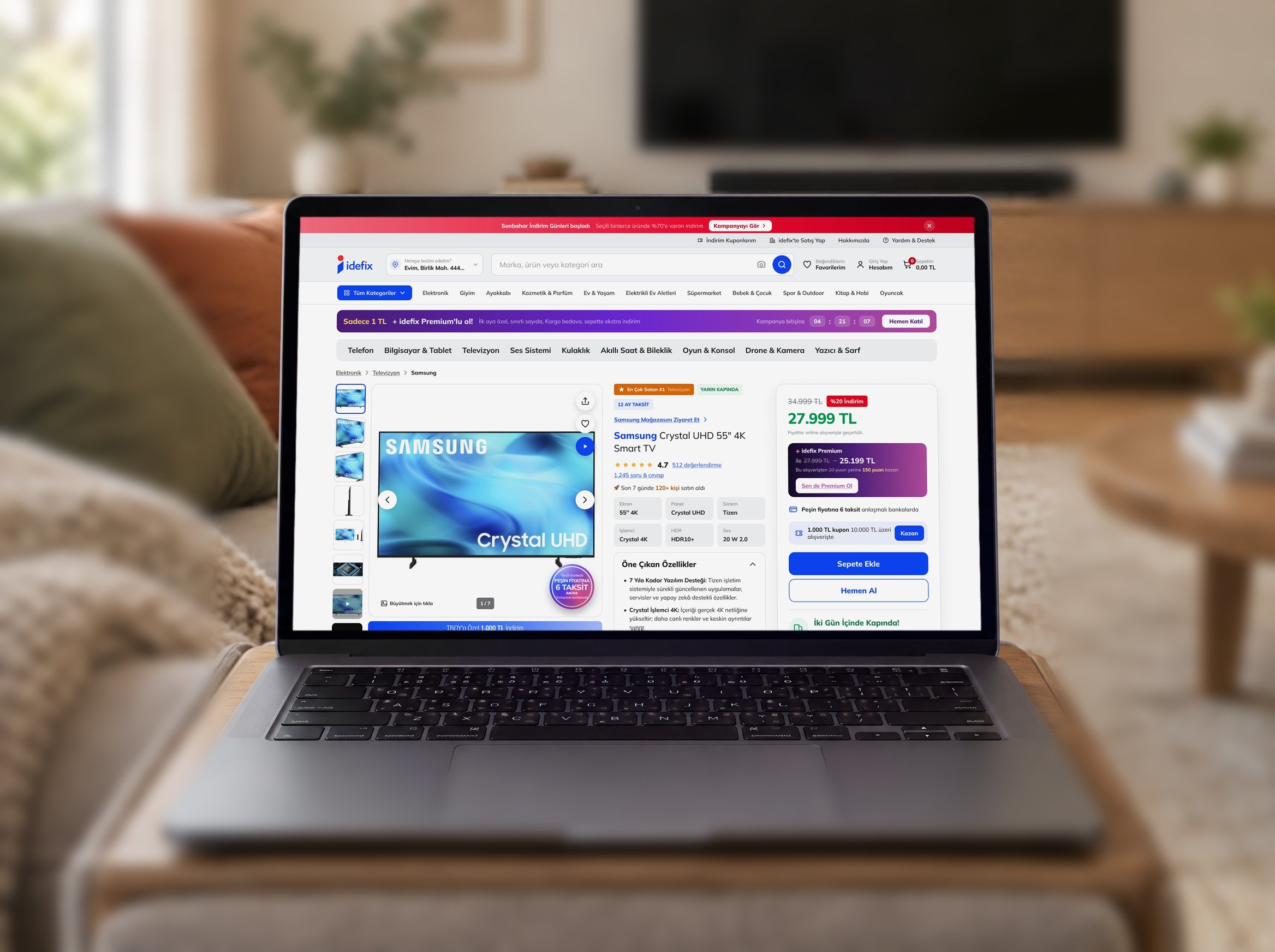
A laptop in a living room displaying a television product page on the idefix website

A price you can recognise on any screen.

For the idefix website and mobile app, we designed a shared set of product cards, prices, badges and stock states. The library underpins more than 700 screens and states delivered to the idefix team, including the television product page shown here.

Explore project
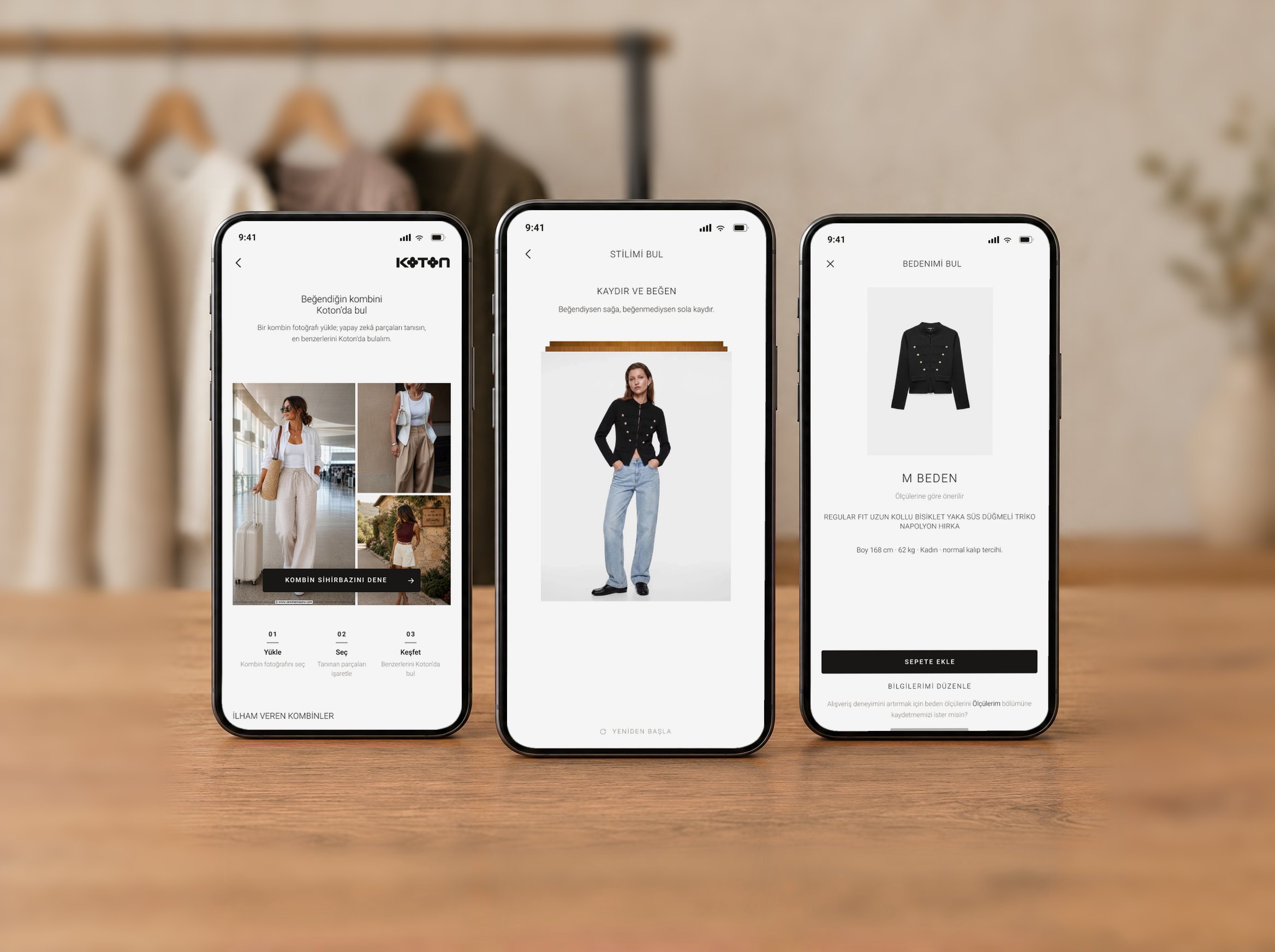
Three phones showing Koton’s outfit finder, style preferences and size recommendation

From finding an outfit to choosing a size.

We designed and built Koton’s app on its own design system. Shoppers upload a photo to find the pieces in a look, swipe to express a style preference and enter measurements for a size recommendation. Side by side, the three screens show how different interactions belong to the same app.

Explore project